
Spritesheets using Gemini 3.0 Pro
Exploring how the editing capabilities of Google's NanoBanana Pro model can be used to generate spritesheets and pixel art.
Generating on a Grid
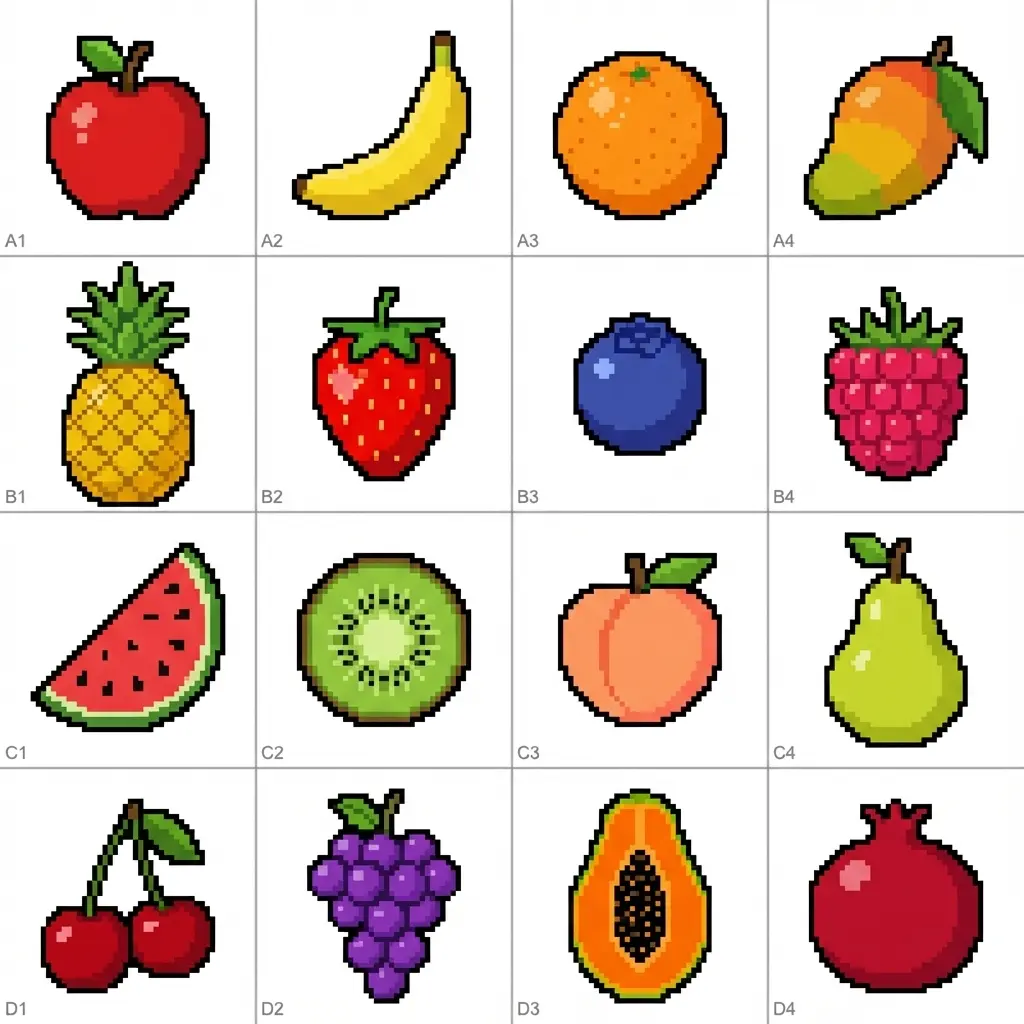
Prompt
Generate a spritesheet by creating sprites for the following 16 objects:

Apple, Banana, Orange, Mango, Pineapple, Strawberry, Blueberry, Raspberry, Watermelon, Kiwi, Peach, Pear, Cherry, Grapes, Papaya, Pomegranate

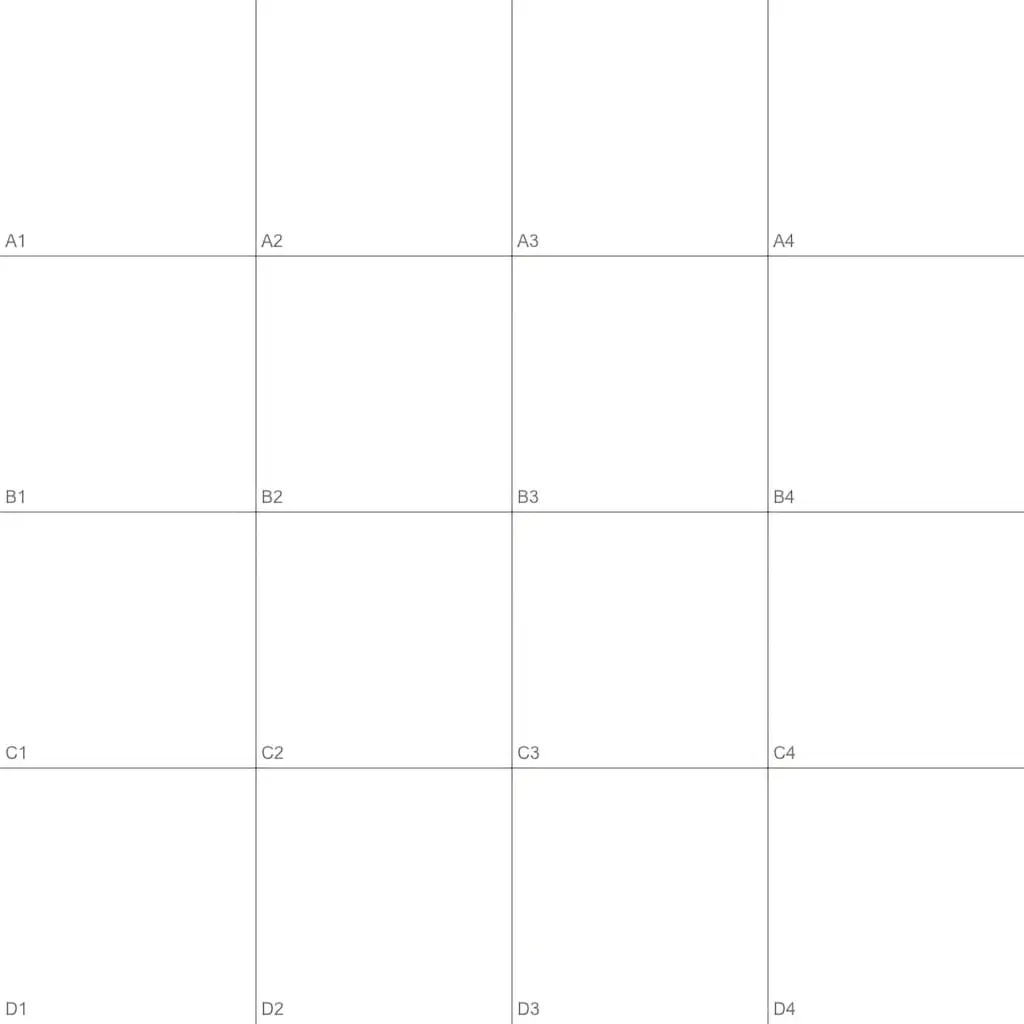
Make sure the sprites align and are centered within the provided 4x4 grid.
A test of NanoBanana’s ability to generate sprites aligned to a grid. The AI was given a blank 4x4 grid and asked to populate each cell with a different fruit sprite. This tests both the model’s understanding of spatial layout and its ability to generate consistent, centered sprites across multiple grid cells.
Graph Paper to Pixel Art
Prompt
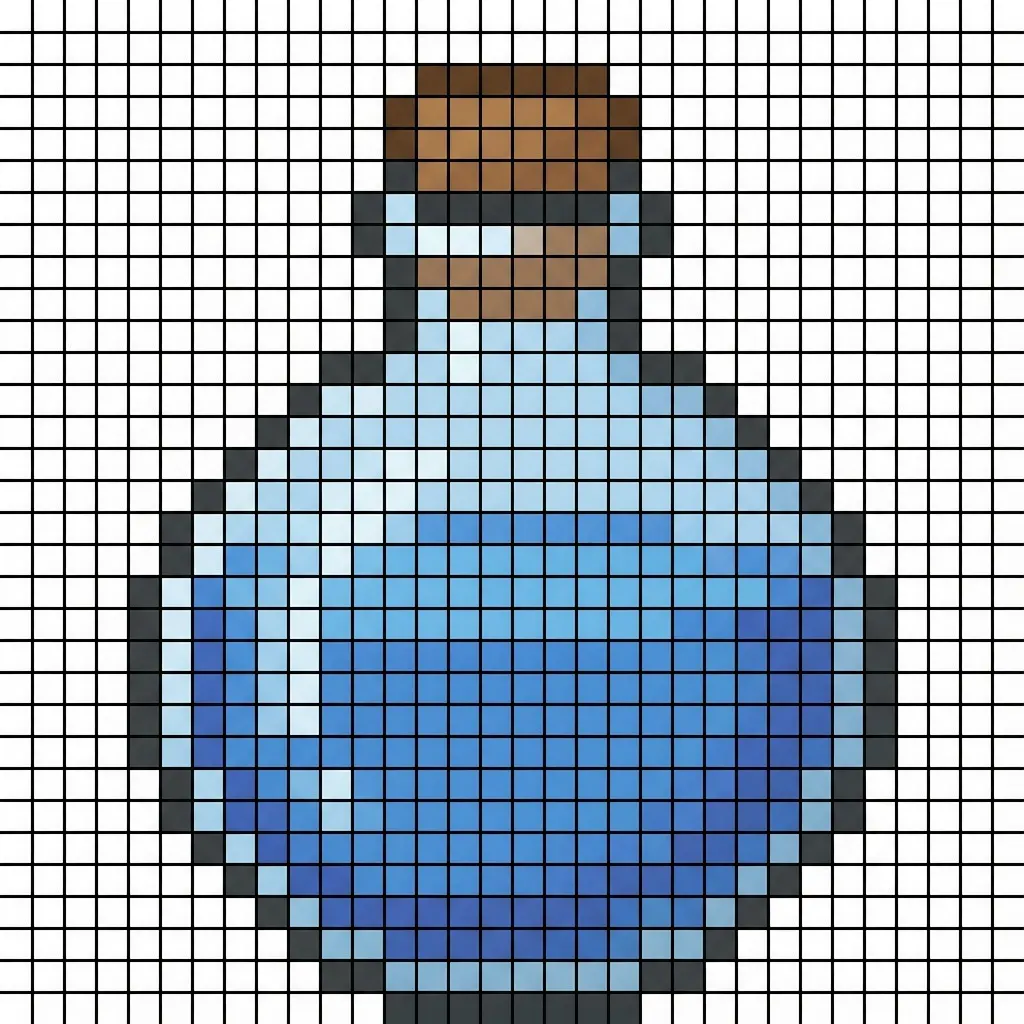
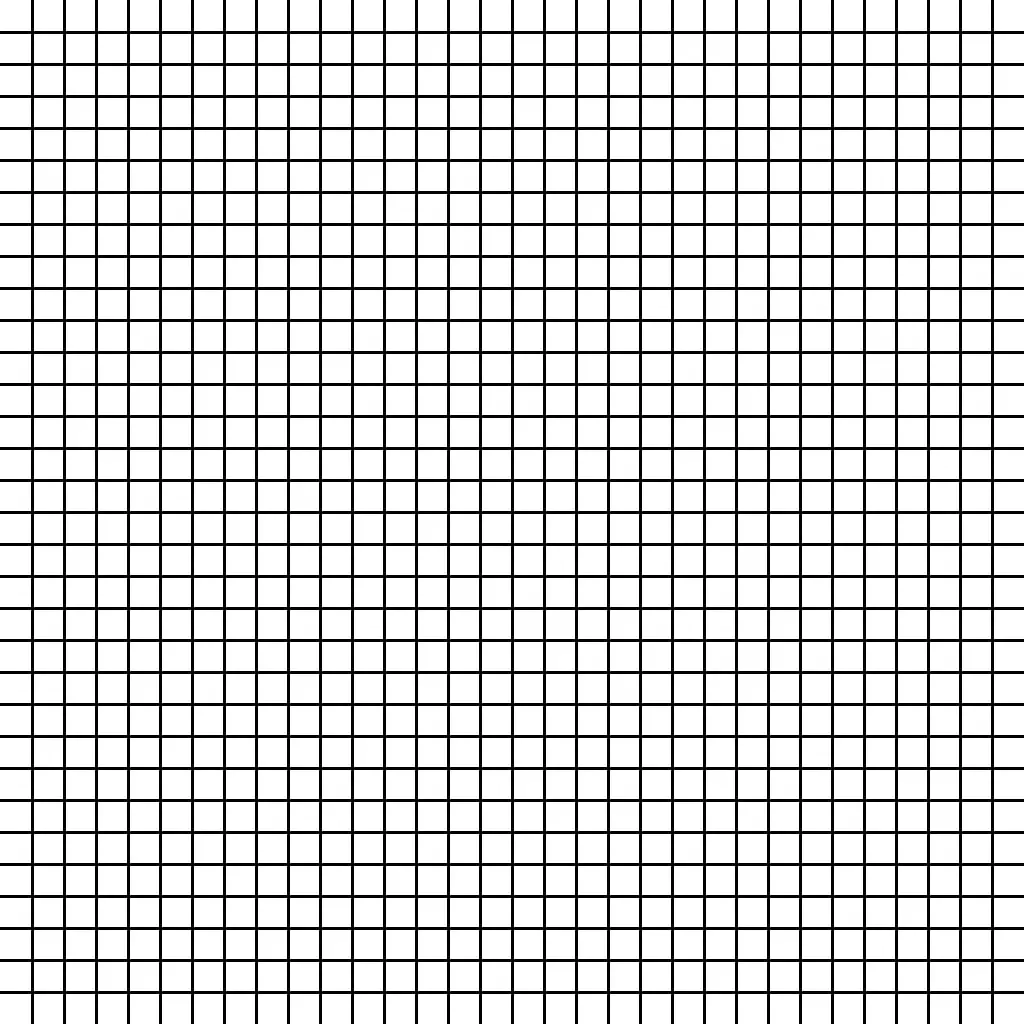
Using the provided pixel grid, completely fill in the necessary squares to form a perfect pixel art image of a blue potion.Here we have a 1024x1024 image divided into a grid of 32x32 pixel squares. This test evaluates NanoBanana’s capability to create pixel art sprites while adhering to a strict grid structure provided by graph paper. The AI needed to generate a potion bottle sprite that fits within the constraints of the grid lines, demonstrating its understanding of pixel art aesthetics and spatial alignment.
GRID SIZE
We tested various grid intervals (from 16x16 up to 64x64) and found that the 32x32 grid consistently produced the best results.
This is particularly important since pixel art typically relies on a strict square pixel aspect ratio. By enforcing a grid, we can guide the AI to effectively flood-fill the appropriate squares to create a coherent pixel art image.